 StudyMina
Best Flashcard Apps for University Students in 2026
The best flashcard apps for university students in 2026, compared: StudyMina, Anki, Quizlet, Brainscape, RemNote, Knowt and NotebookLM, with honest pros and cons.
In this article
- What to look for in a flashcard app
- Quick comparison
- 1. StudyMina: best flashcard app for turning notes into revision
- 2. Anki: best for serious, long-term memorisation
- 3. Quizlet: best for quick, shareable sets
- 4. Brainscape: best for confidence-based scheduling
- 5. RemNote: best if you want notes and cards together
- 6. Knowt: best free Quizlet-style option
- 7. NotebookLM: best for questions and cards from your own sources
- Which should you choose?
- Sources
Flashcards are one of the best-supported ways to study, because they force you to recall an answer instead of rereading it. The hard part is choosing an app, since the best choice depends on whether you want to make cards yourself, generate them from your notes, or use the scheduling that spaced repetition provides.
This guide compares seven flashcard apps for university students and explains who each suits. If you want the science first, read our guides to active recall and spaced repetition.
What to look for in a flashcard app
- How cards are created. Typing them yourself is slow; generating them from your notes is fast but needs checking.
- How reviews are scheduled. Good apps bring cards back at spaced intervals instead of in random order.
- Whether it fits the rest of your studying. A flashcard app that also handles quizzes and planning saves switching.
- Cost and platforms. Free plans vary a lot, and some apps charge for specific platforms.
Quick comparison
| # | App | Best for | Cards from your documents? | Cost model |
|---|---|---|---|---|
| 1 | StudyMina | Flashcards, quizzes and planning in one app | Yes, from notes and PDFs | See the app for plans |
| 2 | Anki | Serious long-term memorisation | Import or write your own | Free on desktop, web, Android; paid on iPhone |
| 3 | Quizlet | Quick, shareable sets | Some AI features | Free with limits; paid plan |
| 4 | Brainscape | Confidence-based scheduling | AI help from documents | Free tier; paid Pro |
| 5 | RemNote | Notes plus flashcards | From notes and PDFs | Free plan; paid tiers |
| 6 | Knowt | A free Quizlet-style option | AI generation | Free tier; paid AI tiers |
| 7 | NotebookLM | Flashcards from your own sources | Yes, from your sources | Free with limits |
1. StudyMina: best flashcard app for turning notes into revision
Best for: university students who have lecture notes and PDFs and want flashcards without hours of typing.
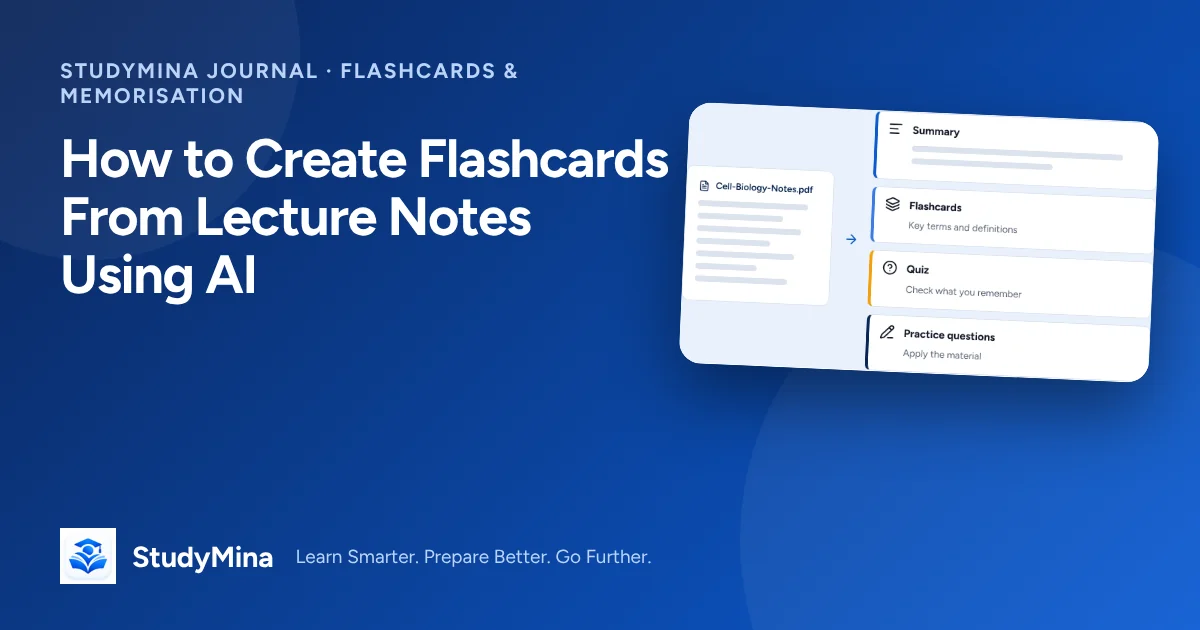
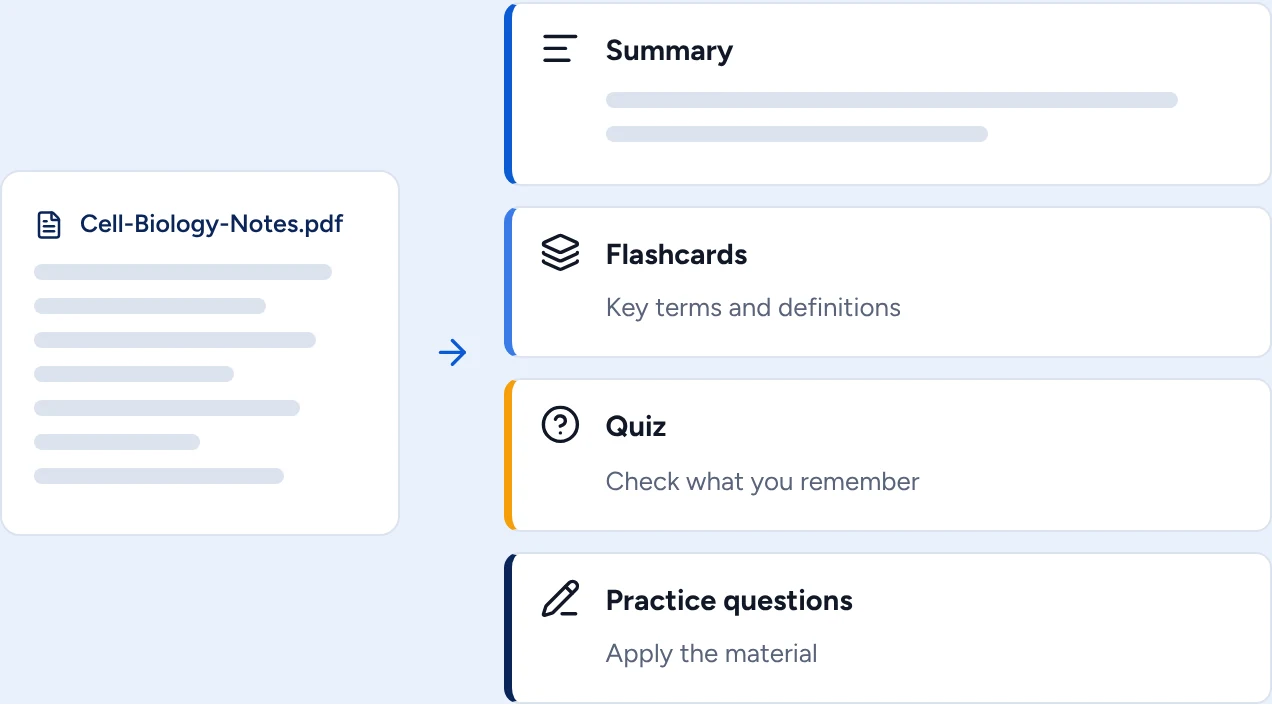
StudyMina creates flashcards of key terms and definitions straight from the lecture notes and PDFs you upload, so your cards reflect what your lecturer actually taught. The same document can also become a summary, a quiz and practice questions, so you can move from learning terms to testing yourself in one place.
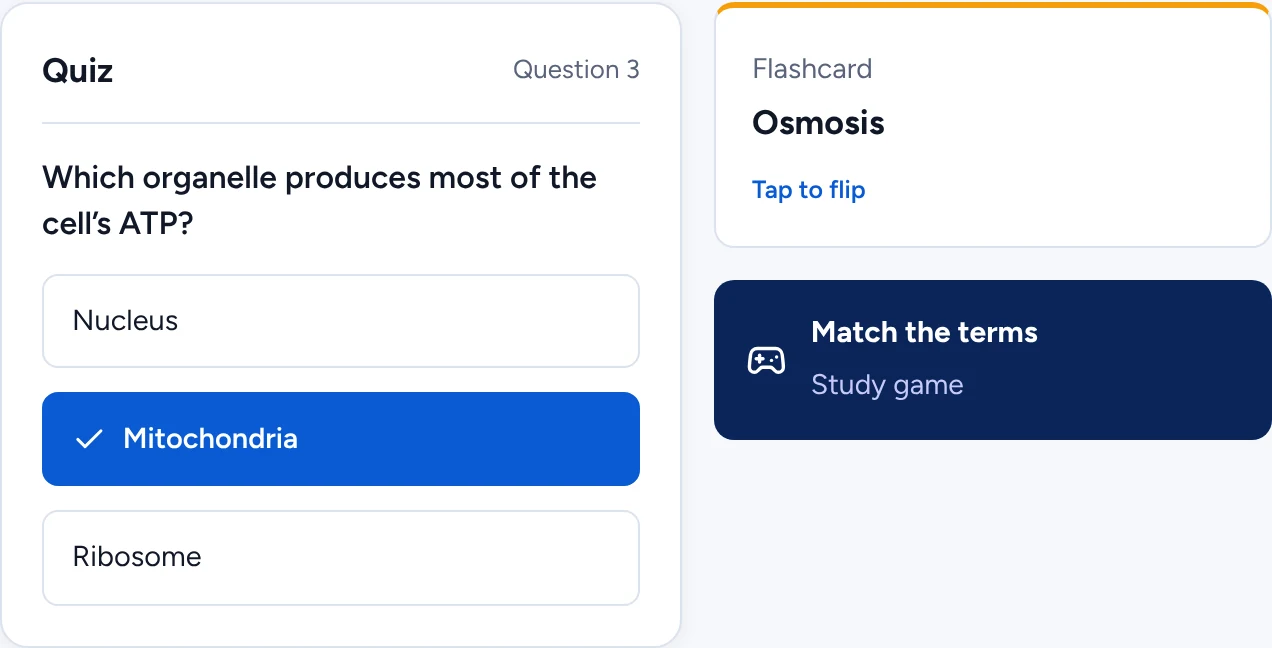
Flashcards sit alongside quizzes and study games, so revision does not have to be one format.
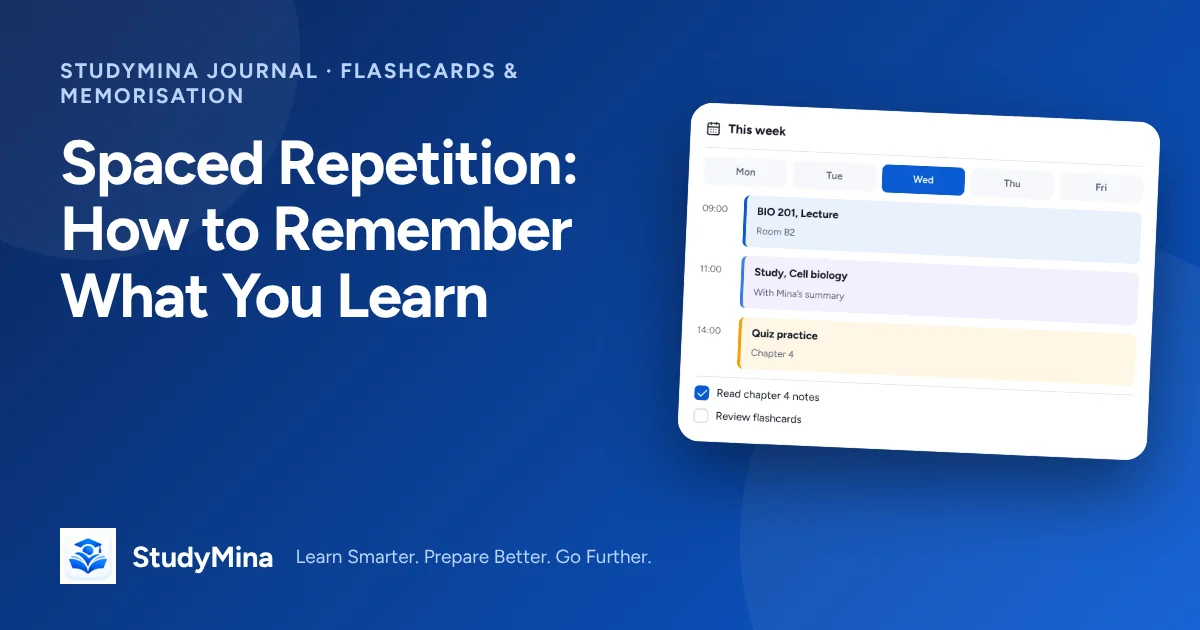
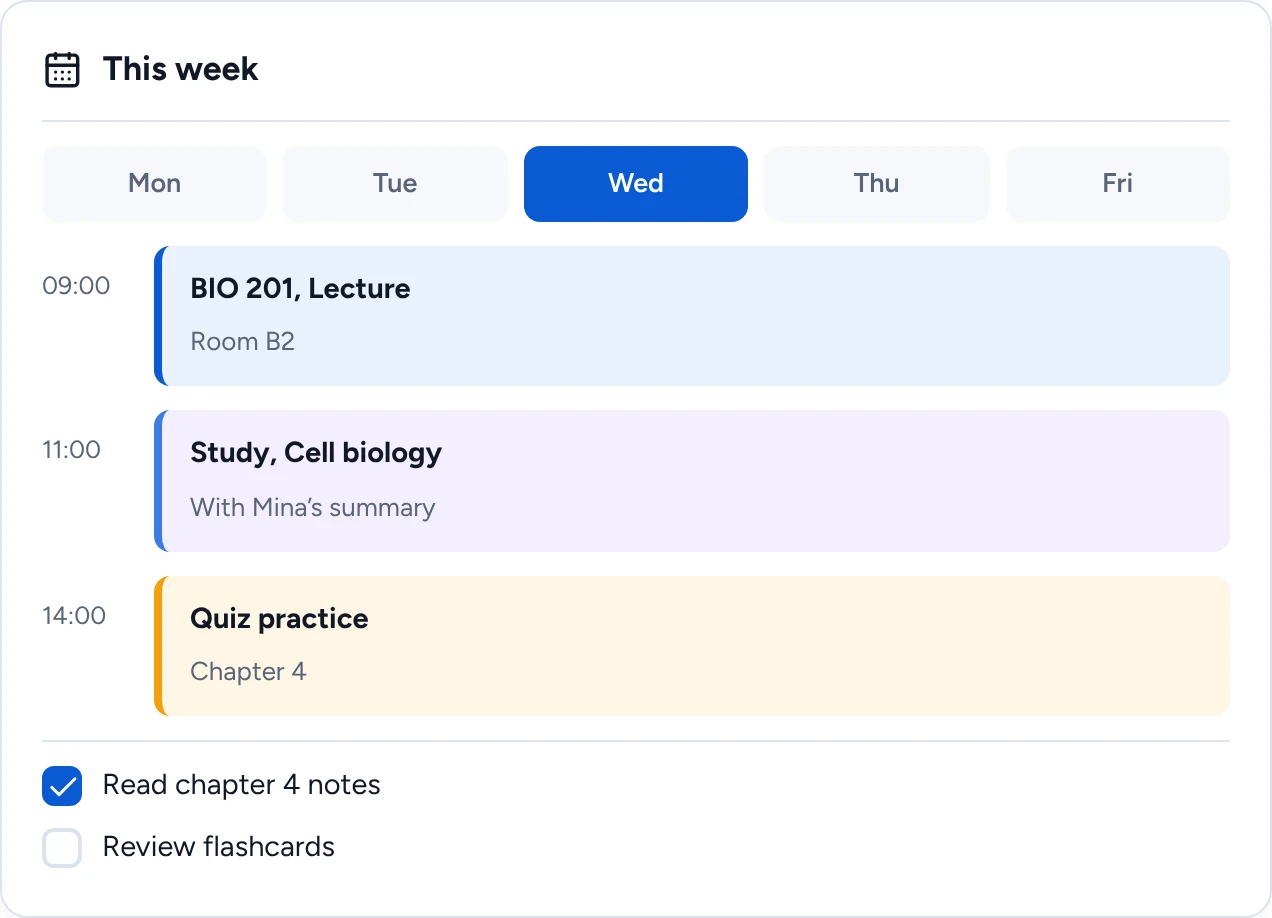
Because StudyMina also has a planner, you can schedule your flashcard reviews into your week next to lectures and deadlines instead of relying on memory, and Mina, the AI study companion, can explain any card you do not understand.
Why StudyMina is number one. StudyMina is the best flashcard app for university students because it removes the slowest part of flashcards: making them. Upload your lecture notes or PDFs and your cards are created for you, then quizzes, study games, Mina's step-by-step explanations and your weekly plan are right there to turn those cards into results. Other apps give you a place to store cards; StudyMina gives you a complete way to learn them.
2. Anki: best for serious, long-term memorisation
Anki schedules each card using spaced repetition, so you see it just before you would forget it. The desktop, web (AnkiWeb) and Android versions are free, and the official iPhone and iPad app is a paid purchase. It is very flexible and popular with medical and language students. It has a plain interface and a learning curve, and you create or import your own cards.
3. Quizlet: best for quick, shareable sets
Quizlet makes it easy to create sets, study them in several modes and share them with classmates, and it has a huge library of sets made by other users. It has a free version with ads and limits, and a paid plan unlocks more. Sources disagreed on its current pricing and some AI features, so check Quizlet directly. Shared sets can contain errors.
4. Brainscape: best for confidence-based scheduling
Brainscape asks you to rate each card from 1 to 5 after you see the answer, and the rating decides when it comes back. Creating and studying your own cards is free, with a paid Pro upgrade for advanced features, and it can suggest cards from documents. It focuses on flashcards only.
5. RemNote: best if you want notes and cards together
RemNote is a note-taking app with spaced-repetition flashcards built in, so cards come from your notes and you can create them from PDFs. It has a free plan and paid tiers, though sources disagreed on prices. It is feature-rich, which means a learning curve.
6. Knowt: best free Quizlet-style option
Knowt is an AI-powered study platform that generates flashcards and can import sets from other apps. It has a free tier and paid tiers for more AI features. Its AI quality and file support vary, so check what it can read.
7. NotebookLM: best for questions and cards from your own sources
NotebookLM is Google's AI notebook. You upload sources and it can answer questions with references and produce study material including flashcards and quizzes, with daily limits on the free plan. It is not a dedicated flashcard scheduler.
Which should you choose?
- You want cards made for you from your notes, plus quizzes and planning: StudyMina.
- You want the most powerful free scheduler and don't mind effort: Anki.
- You want fast sets to share with a study group: Quizlet or Knowt.
- You want confidence-rating scheduling: Brainscape.
- You live in your notes: RemNote.
Whatever you choose, the method matters more than the app. Keep cards short, answer from memory before flipping, and review little and often. See how many flashcards to study every day and how to create flashcards from lecture notes using AI.
Sources
Product details were checked in early November 2026. Please confirm prices and features on each product's own site.
- Anki: apps.ankiweb.net and faqs.ankiweb.net
- Quizlet: quizlet.com
- Brainscape: brainscape.com
- RemNote: remnote.com
- Knowt: knowt.com
- NotebookLM: support.google.com/notebooklm
- Roediger, H. L., & Karpicke, J. D. (2006). Test-enhanced learning. Psychological Science, 17(3), 249–255. doi.org/10.1111/j.1467-9280.2006.01693.x