 StudyMina
How to Use an AI Tutor for University Studies
How to get real learning from an AI tutor: what to ask, how to check its answers, and the habits that stop it becoming a shortcut that hurts your results.
In this article
- What an AI tutor is good at
- What it is not good at
- The core rule: try first, then ask
- Prompts that produce learning
- Always check the answer
- Giving it context
- Combining an AI tutor with other methods
- Using AI honestly
- Warning signs you are using it as a crutch
- The best AI study companion: Mina in StudyMina
- Sources
A good human tutor does three things: explains, asks you questions, and notices what you misunderstand. An AI tutor can do the first well, the second reasonably and the third only partly. Knowing that gap is what separates students who learn faster with AI from students who feel like they are learning while their marks slip. This guide shows how to use an AI tutor to understand your course, and how to avoid its main traps.
What an AI tutor is good at
- Explaining a concept in different ways. If the textbook explanation does not click, ask for a simpler version, an analogy, or an example from your own field.
- Working through a problem step by step, with the reasoning shown.
- Answering follow-up questions at any hour without embarrassment.
- Quizzing you on a topic and explaining wrong answers.
- Rephrasing dense text into plainer language.
What it is not good at
- Knowing your course. It does not know what your lecturer stressed, how your department marks, or what is on the syllabus unless you tell it.
- Being reliably correct. AI can produce plausible, confident, wrong answers. This is most dangerous in mathematics, specialised technical subjects and anything that depends on local rules.
- Knowing what you do not know. It responds to what you ask. If you do not know what to ask, it will not always find the gap.
- Replacing effort. Learning needs struggle. If the AI does the thinking, you do not learn.
The core rule: try first, then ask
The most important habit is to attempt a problem or recall a concept before asking. In the testing-effect research, such as Roediger and Karpicke's 2006 study, students who retrieved information from memory remembered more later than students who only reread. An AI tutor that hands you the answer removes the retrieval, which is the part that builds memory.
A good pattern:
- Try the problem, even if you only get halfway.
- Show the AI your attempt and ask where it went wrong.
- Ask for a hint, not the full solution.
- Redo the problem yourself without help.
- Come back to a similar problem tomorrow.
Prompts that produce learning
Weak prompts produce answers. Better prompts produce understanding:
- "Explain this to me as if I am a first-year student who has not done X."
- "Here is my working. Do not solve it. Tell me the first step that is wrong."
- "Give me a hint for the next step only."
- "Ask me three questions to test whether I understand this, one at a time, and wait for my answer."
- "What are the common mistakes students make on this topic?"
- "Explain this using only the notes I paste below."
The "wait for my answer" instruction turns a passive explanation into practice.
Always check the answer
Make verification a habit:
- Compare with your textbook or lecture notes. If the AI says something different, find out why.
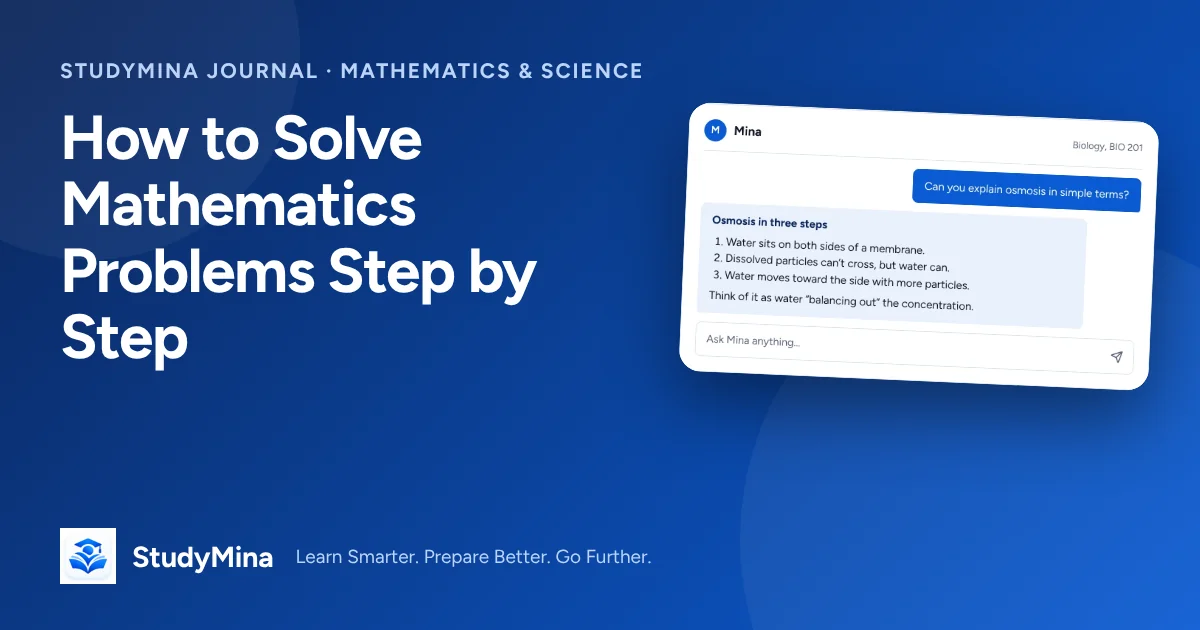
- Test with numbers. In maths and science, substitute values or check units. Our guide to solving maths problems step by step includes verification methods.
- Ask for sources, then check that those sources exist and say what the AI claims.
- Be most sceptical when the answer is smooth and certain. Confidence is not evidence.
- Ask a second time or in a different way. Inconsistent answers are a warning.
Giving it context
Tell the tutor about your situation: course, level, what you already understand, what format your exam takes. If you paste notes, say so and ask it to use them. This reduces generic answers and makes it easier to catch mistakes, because you can check against your own material.
Combining an AI tutor with other methods
An AI tutor is one tool, not a study plan. Use it alongside:
- Active recall: close the chat and write what you remember.
- Practice questions: generate them, then answer without help.
- Spaced review: return to the same topics over days.
- Your lecturer and classmates: for what the AI cannot know.
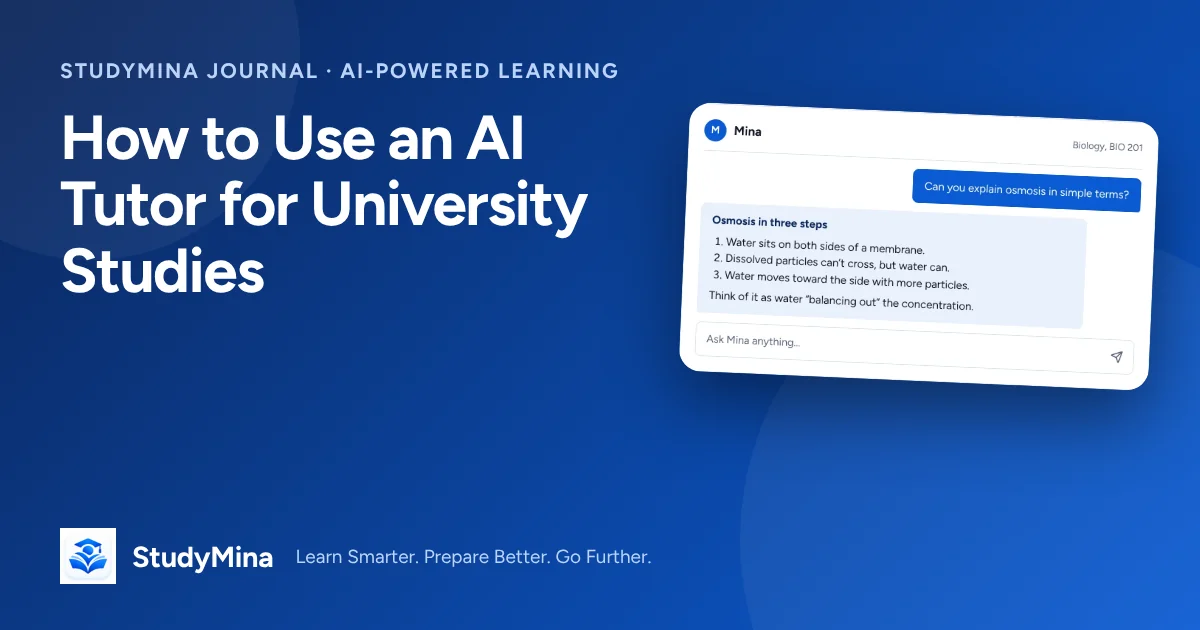
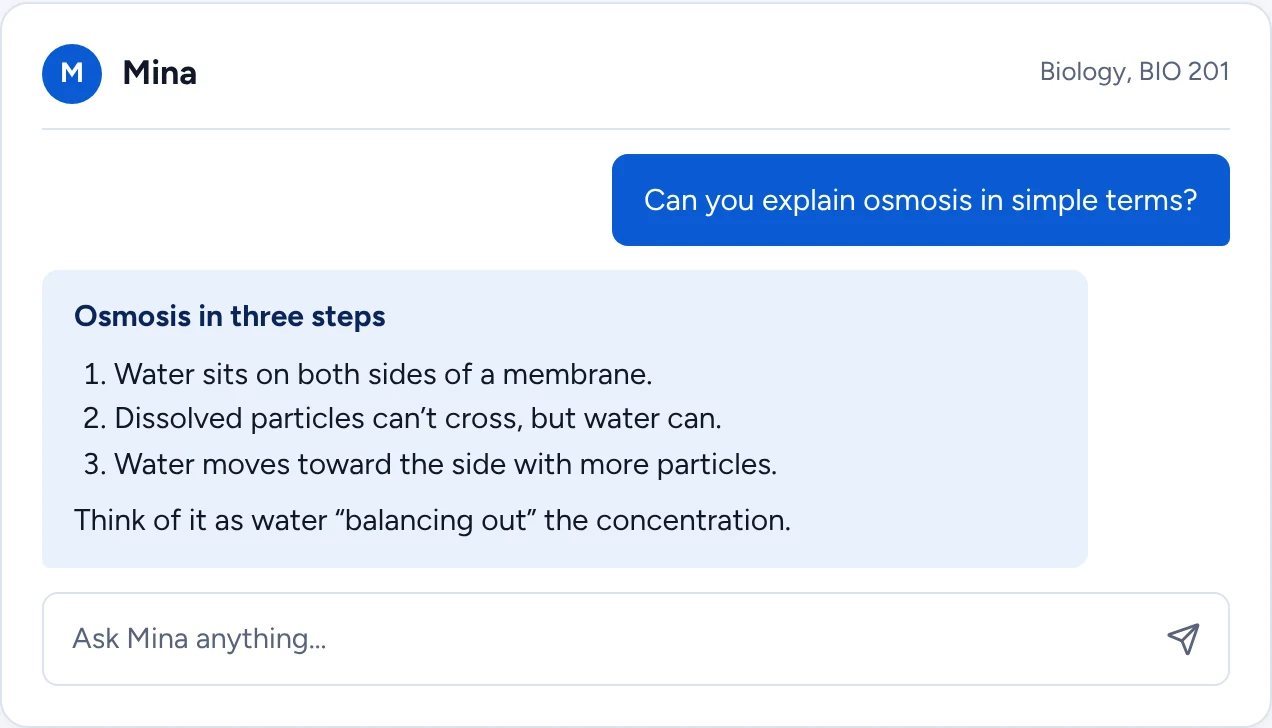
Mina, the AI study companion in StudyMina, is designed around explaining step by step and checking understanding, but the same rules apply to any AI tutor: use it to understand, and verify what matters.
Using AI honestly
Universities differ on what is allowed. Some permit AI for understanding but not for producing assessed work; others have stricter rules. Read your institution's policy, and if in doubt, ask your lecturer. Never submit text you did not write as your own work, and do not rely on AI for anything you could not explain in an exam.
Warning signs you are using it as a crutch
- You feel you understand while it explains, but cannot reproduce anything afterwards.
- You ask for answers before attempting problems.
- You copy without reading.
- You stop going to lectures or office hours because "AI can explain it".
- Your marks on closed-book tests are lower than your sense of understanding suggests.
If any of these sound familiar, put the AI away, attempt the next problem alone, and use it only afterwards to check.
The best AI study companion: Mina in StudyMina
Mina explains concepts step by step, shows its reasoning and checks your understanding, and it sits in the same app as your flashcards, quizzes and study plan. Try the problem first, then ask Mina for a hint, and always verify important results.
Sources
- Roediger, H. L., & Karpicke, J. D. (2006). Test-enhanced learning. Psychological Science, 17(3), 249–255. doi.org/10.1111/j.1467-9280.2006.01693.x
- Dunlosky, J., Rawson, K. A., Marsh, E. J., Nathan, M. J., & Willingham, D. T. (2013). Improving students’ learning with effective learning techniques. Psychological Science in the Public Interest, 14(1), 4–58. doi.org/10.1177/1529100612453266